Quorvex AI
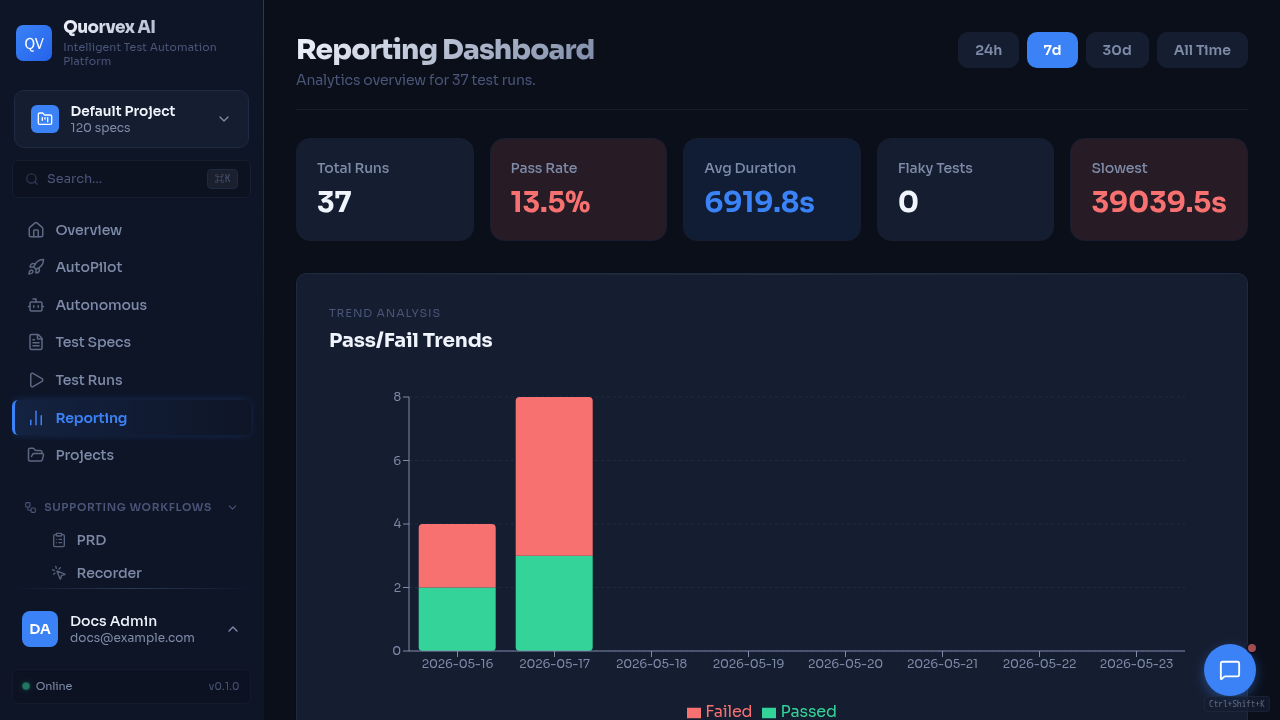
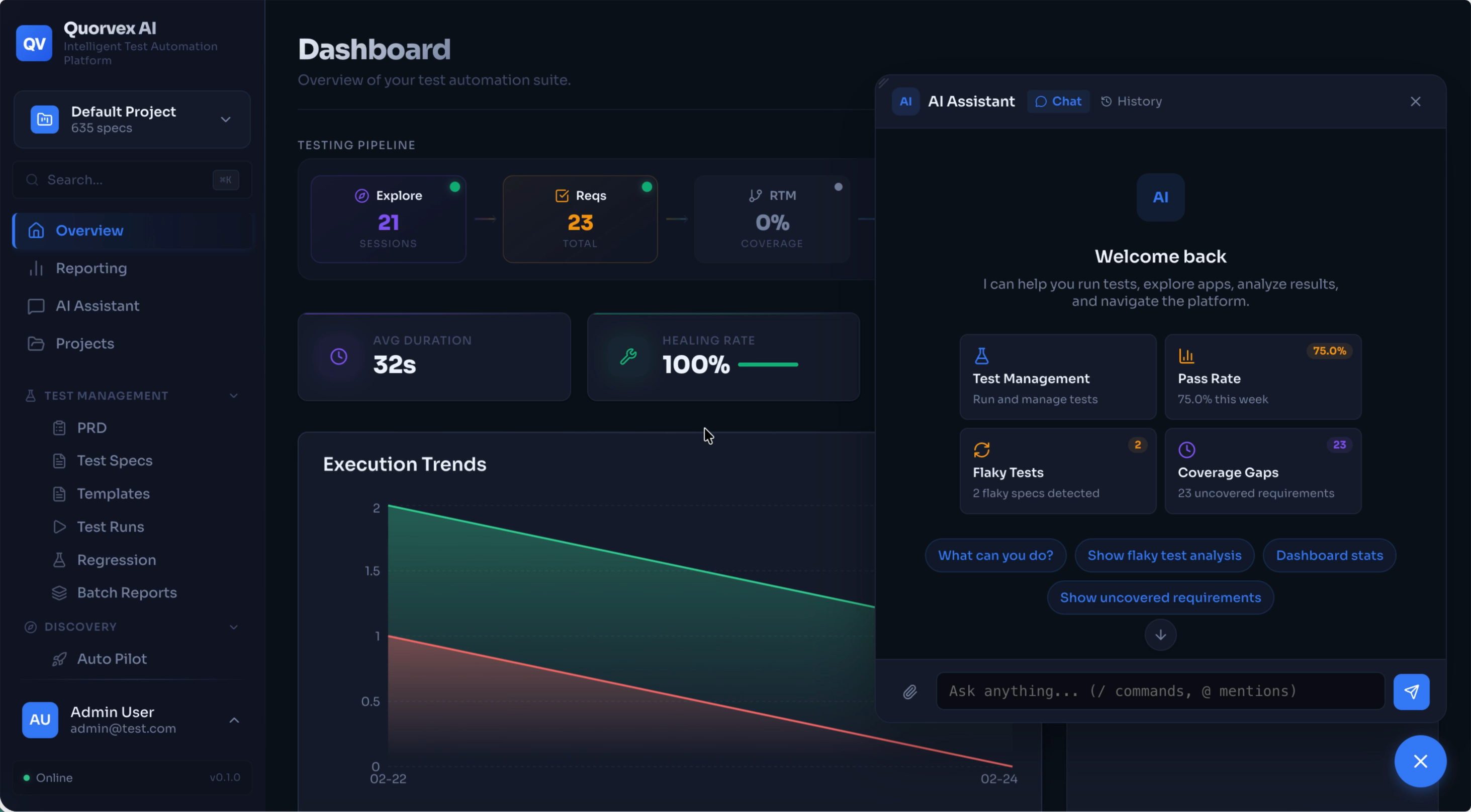
Quorvex dashboard overview with project quality and execution metrics.
Self-hosted AI testing for QA and engineering teams.
Quorvex AI turns plain-English specs, PRDs, recordings, and app exploration into validated tests and quality signals. Generate Playwright UI tests, API checks, K6 load tests, security scans, database quality checks, mobile smoke flows, and LLM evaluation suites from one dashboard or CLI. For continuous discovery, autonomous missions can run on schedules or durable long-lived workflows with human approval before tests are created.
-
Specs to Code
Write test cases in markdown and generate maintainable Playwright code with planning, validation, Smart Check reuse, and self-healing.
-
AI Self-Healing
When tests fail because selectors, waits, or page states changed, the healer debugs the run and attempts a repair before handing control back to you.
-
AutoPilot & Agents
Explore apps, generate tasks, run recurring or long-running autonomous testing missions, approve findings, and materialize useful discoveries into specs and tests.
-
Web Dashboard
Manage specs, runs, PRDs, requirements, RTM, regression batches, analytics, workflows, credentials, projects, and integrations.
-
Multi-Domain Testing
Go beyond UI tests with OpenAPI/API testing, K6 load testing, ZAP and Nuclei security scans, database checks, mobile smoke tests, and LLM evaluations.
-
App Exploration
Discover pages, user flows, API endpoints, form behaviors, and coverage gaps. Feed findings directly into requirements and RTM.
-
Enterprise Ready
Project isolation, RBAC, encrypted credentials, CI/CD integrations, PR advisor, quality gates, TestRail, Jira, schedules, queues, and backups.
How It Works
Quorvex AI uses an agentic pipeline to convert specifications and discoveries into executable checks:
graph LR
  A["Markdown Spec"] --> B["Planner"]
  B --> C["Generator"]
  C --> D["Healer"]
D --> E["Validated Playwright Test"]- Plan -- The planner reads your spec or generated requirement, launches a browser when needed, and produces a structured execution plan.
- Generate -- The generator uses the plan, target context, and memory to write executable automation code.
- Validate and heal -- Quorvex runs the generated check, records artifacts, and attempts repairs when validation fails.
The same foundation powers AutoPilot, PRD-to-tests, API generation, specialized testing domains, custom workflows, and autonomous missions.
Quick Start
All useful setup paths require AI provider credentials. Copy the relevant environment file, set your provider token, and run make check-env before relying on generated output.
| Setup | Best for | Command |
|---|---|---|
| Evaluator demo | Fastest local product trial with the lightweight SQLite stack | docker compose -f docker-compose.minimal.yml up -d |
| Contributor dev | Full Docker development stack with dashboard, queues, storage, VNC, and frontend hot reload | make dev |
| Production/company | Compose app behind company DNS/TLS/nginx in external-nginx mode | make start |
| Repo-managed nginx | Legacy single-host path, opt-in only | QUORVEX_ENABLE_REPO_NGINX=1 make prod-up |
git clone https://github.com/NihadMemmedli/quorvex_ai.git
cd quorvex_ai
cp .env.example .env
# Edit .env with your AI provider token
make check-env
docker compose -f docker-compose.minimal.yml up -d
Open http://localhost:3000 for the dashboard.
git clone https://github.com/NihadMemmedli/quorvex_ai.git
cd quorvex_ai
cp .env.prod.example .env.prod
# Edit .env.prod with your AI provider token
make dev
Open http://localhost:3000 for the dashboard.
Tip
make dev starts the full Docker stack with local code mounting and frontend hot reload. Production/company deployments use make start behind company-managed DNS/TLS/nginx. See the Getting Started tutorial for the full walkthrough.
Next Steps
-
Your first test in 10 minutes. Clone, setup, write a spec, and see a passing Playwright test.
-
Import an OpenAPI spec and generate validated API tests automatically.
-
Use AI exploration to discover flows, generate requirements, and build a traceability matrix.
-
Visual walkthrough of the web dashboard and its key features.
-
Task-oriented guides for API testing, load testing, security scans, scheduling, integrations, and more.
-
Pick minimal Docker, full Docker, local dev, production, workers, or Kubernetes based on your goal.
-
Maintained UI, API, authenticated-flow, and generated-output examples for evaluation and review.
-
Complete CLI flags, API endpoints, environment variables, database schema, and Makefile commands.
-
Understand the pipeline design, memory system, browser pool, and scaling model.
-
Star the project, browse the source, and open issues or pull requests.