Dashboard Auth and Project Flow
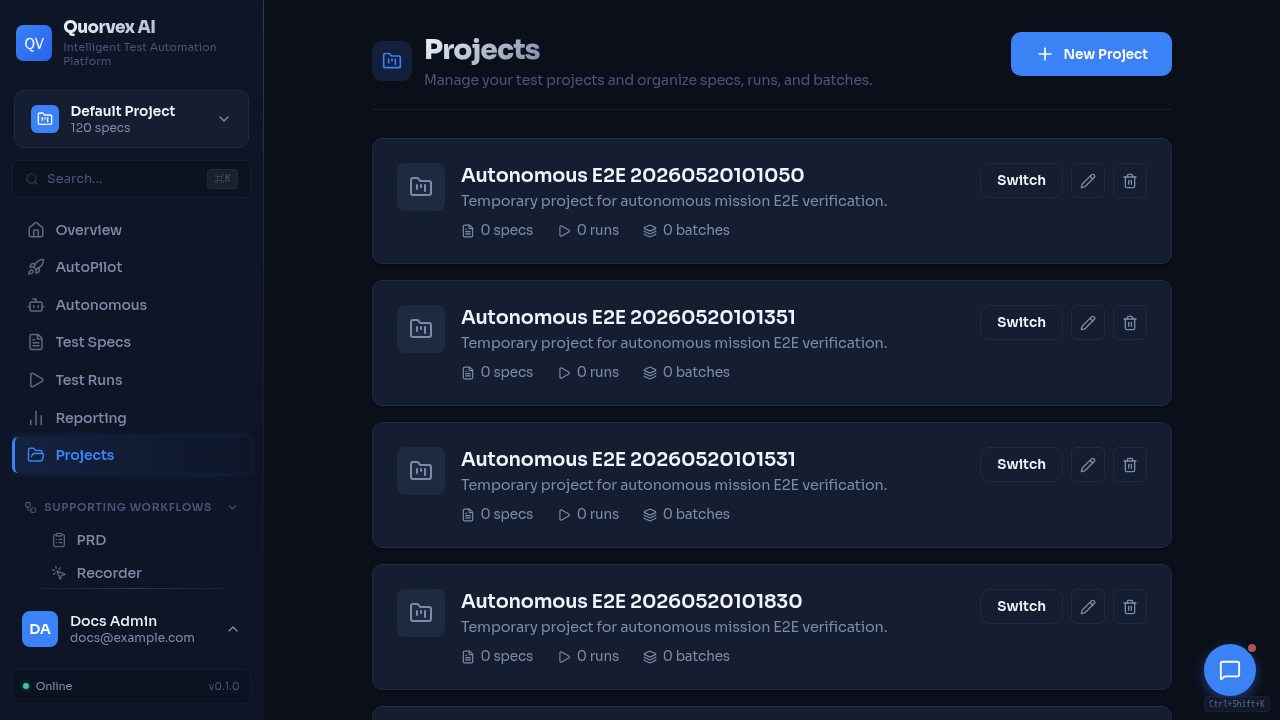
Projects dashboard for authenticated project selection and membership.
How dashboard authentication, token refresh, and project selection work together.
Why Auth State Is Split
The dashboard keeps the access token in memory and the refresh token in localStorage. This reduces persistent exposure of the short-lived access token while still allowing page reloads to restore a session.
Project selection is managed separately because project context is not the same as user identity. A user can stay logged in while switching the project used by specs, runs, requirements, credentials, schedules, and dashboard data.
sequenceDiagram
  participant Page
  participant AuthProvider
  participant Backend
  participant ProjectProvider
  Page->>AuthProvider: fetchWithAuth()
  AuthProvider->>Backend: request with access token
  Backend-->>AuthProvider: 401 when expired
  AuthProvider->>Backend: POST /auth/refresh
  Backend-->>AuthProvider: new access and refresh tokens
  AuthProvider->>Backend: retry original request
  ProjectProvider-->>Page: selected project id
Auth Runtime
web/src/contexts/AuthContext.tsx owns the browser auth runtime:
| Concern | Behavior |
|---|---|
| Access token | Stored in module memory, not localStorage |
| Refresh token | Stored in localStorage as refresh_token |
| Refresh timing | Scheduled before the expected access-token expiry |
| Refresh races | A shared refresh promise prevents concurrent refresh attempts |
| Authenticated requests | fetchWithAuth retries once after a successful refresh |
| Logout | Calls /auth/logout when possible, clears local refresh token and in-memory access token |
Feature code should use fetchWithAuth for backend requests that may require auth. It should not read or write tokens directly.
Project Runtime
web/src/contexts/ProjectContext.tsx owns selected project state. Pages should use the project context or project-aware helpers instead of inventing page-local project storage.
Project-scoped API requests should include the selected project ID in the way the backend endpoint expects, usually as project_id query parameter or path segment. New pages should follow nearby feature pages rather than creating a new convention.
Provider Ordering
The dashboard shell should keep auth and project providers outside feature pages. Feature components can then assume:
- auth state is loaded before protected content renders
- project state is available through a hook
- API helpers can attach auth headers consistently
- redirect behavior stays centralized in auth components
Failure Modes
| Failure | Expected handling |
|---|---|
| Missing refresh token on mount | Treat the user as logged out |
| Refresh request fails | Clear refresh token and require login |
| Backend returns 401 | Attempt one refresh, then return the failed response if refresh fails |
| Project is missing | Fall back to the default project or show project selection depending on the page |
| User lacks project role | Let backend authorization decide and surface the error in the page |
Security Notes
- Do not persist access tokens in page state, query strings, or logs.
- Do not send refresh tokens to frontend API routes unless the route is explicitly part of auth.
- Do not duplicate token refresh logic in feature pages.
- Prefer backend permission checks over frontend-only hiding of controls.