How to Add a Backend Runtime Capability
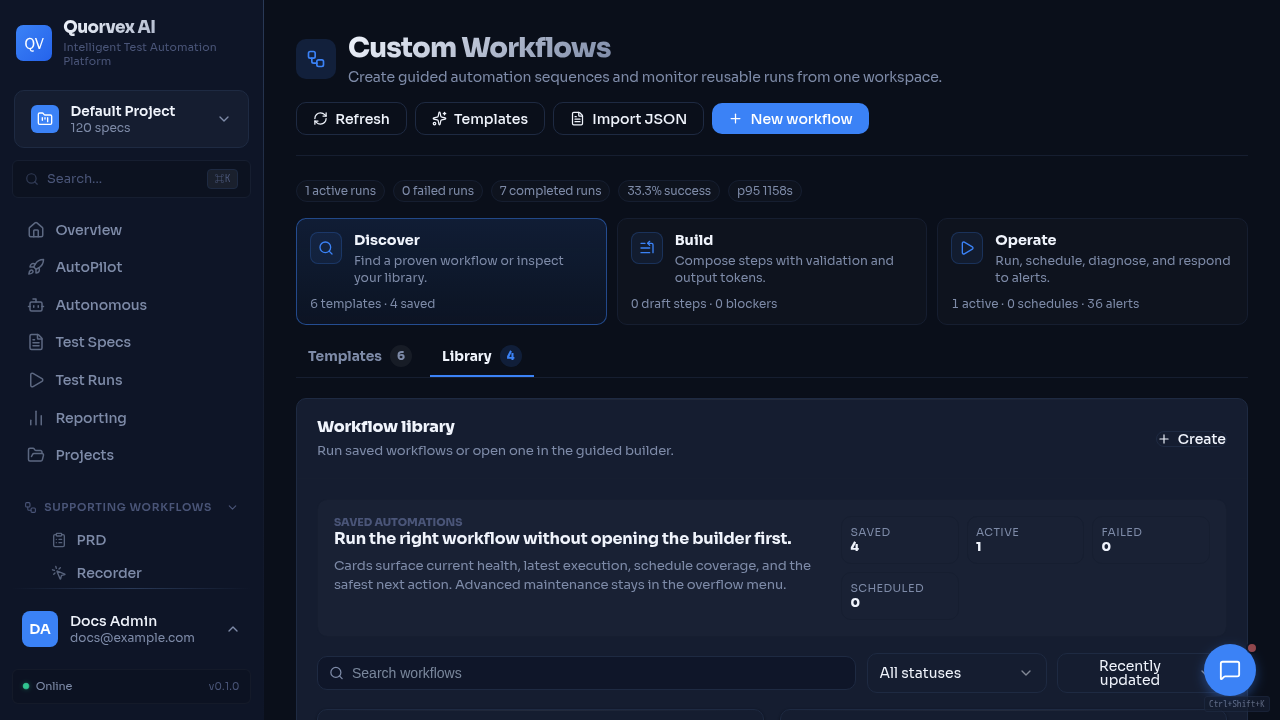
Workflow monitor for backend runtime capability development.
How to add a backend feature that creates durable state, runs asynchronously, or appears in the dashboard.
Prerequisites
- You understand the relevant domain model.
- Local backend tests can run.
- You have checked API Router and Service Map.
Step 1: Choose the Ownership Boundary
Pick one primary owner before writing code.
| Capability shape | Preferred owner |
|---|---|
| HTTP-only CRUD for an existing domain | Existing router module |
| New product domain | New router in orchestrator/api/ |
| Reusable business behavior | New or existing service in orchestrator/services/ |
| Generated artifact or test pipeline | Workflow module in orchestrator/workflows/ |
| Durable workflow or pause/resume execution | Custom workflow or Temporal-backed service |
| High-volume or worker-isolated execution | Redis queue and worker pattern |
Do not put reusable business logic directly in a route handler when more than one route, worker, or assistant tool will need it.
Step 2: Define Persistence
If the capability needs durable status, history, analytics, or recovery, add a model in orchestrator/api/models_db.py.
Use an Alembic migration for PostgreSQL-visible schema changes:
Update docs/reference/database-schema.md when the model is public or operationally important.
Step 3: Add the Router Contract
Add request and response models to the router module. Keep route handlers responsible for:
- auth and project dependencies
- request validation
- service calls
- response shaping
- HTTP error mapping
Register new routers in orchestrator/api/main.py.
Step 4: Add the Service or Workflow
Put domain logic in a service or workflow module.
| Need | Use |
|---|---|
| Synchronous reusable logic | orchestrator/services/ |
| AI generation or parsing pipeline | orchestrator/workflows/ |
| External API client | orchestrator/services/*_client.py |
| Long-running job state | service plus persisted job/run model |
| Worker isolation | Redis queue and worker module |
| Durable pause/resume/cancel | Temporal workflow or custom workflow runner |
Services should return structured results and avoid embedding HTTP-specific exceptions unless the service is intentionally API-only.
Step 5: Expose Status and Recovery
Long-running capabilities should expose:
- a start endpoint that returns a stable ID
- a status endpoint
- terminal states
- cancellation when safe
- persisted error messages
- cleanup or retry behavior when workers can crash
If the capability uses browser capacity, queue capacity, storage, or external providers, include it in the relevant health or observability path.
Step 6: Connect the Dashboard
When the capability is user-facing:
- Add or update a page under
web/src/app/(dashboard)/. - Use
apiUrl()andfetchWithAuth(). - Use project context for project-scoped data.
- Add sidebar and command palette entries when the page should be discoverable.
- Add loading, empty, error, and terminal states.
Use Adding a Dashboard Feature for the frontend details.
Step 7: Update Documentation
| Change | Documentation |
|---|---|
| New route | docs/reference/api-endpoints.md |
| New router or service boundary | docs/reference/api-router-service-map.md |
| New model | docs/reference/database-schema.md |
| New environment variable | docs/reference/environment-variables.md |
| New dashboard page | docs/reference/web-dashboard.md |
| New operational behavior | explanation or operations guide |
| New contributor pattern | guide under docs/guides/ |
Verification
- Unit or API tests cover the route/service behavior.
- Migration applies with
make db-upgrade. - New status and error states are visible in the dashboard or API.
- Startup and shutdown do not leave orphaned running state.
make docs-checkpasses after documentation updates.