How to Deploy Quorvex AI On-Premises
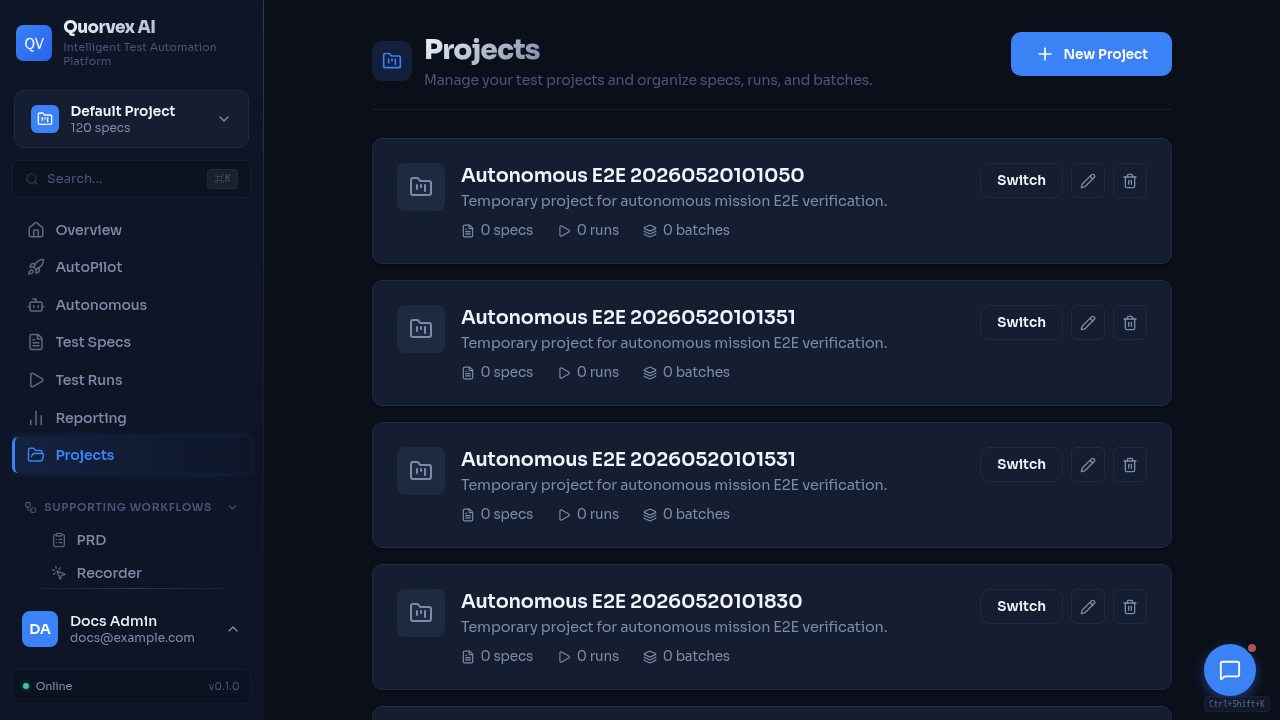
Projects dashboard for company workspace and membership setup.
Deploy Quorvex AI to an on-premises or private network environment with company DNS and company-managed nginx terminating TLS in front of the Compose app.
Prerequisites
- A Linux VM with at least 8 CPU cores, 32 GB RAM, and 200 GB SSD (Ubuntu 22.04 LTS recommended)
- Docker Engine and Docker Compose v2 installed
- Network access to your AI provider API (direct or via proxy)
- An internal Git repository for hosting the code
- A dedicated internal subdomain, for example
quorvex.example.com - Company nginx or a load balancer that can proxy HTTP and WebSocket traffic
- Organization-issued TLS certificates on the company nginx endpoint
Recommended: Private Deploy Repo
Keep local development in the public/source repo unchanged. For production, use a separate private deploy repo on the server. The public installer can create missing private deployment files from deploy/private-repo-template/, report what was missing, run bootstrap checks, and dry-run a tagged release:
GITHUB_TOKEN=... \
QUORVEX_DEPLOY_REPO=NihadMemmedli/quorvex-idda-tests \
QUORVEX_DOMAIN=mytest.idda.az \
QUORVEX_SITE=mytest \
QUORVEX_VERSION=v1.2.3 \
QUORVEX_ACTIVE_LLM_PROVIDER=zai \
ZAI_API_KEY=<real-zai-key> \
INITIAL_ADMIN_EMAIL=<real-admin-email> \
INITIAL_ADMIN_PASSWORD=<real-admin-password> \
POSTGRES_PASSWORD=<real-postgres-password> \
MINIO_ROOT_PASSWORD=<real-minio-password> \
JWT_SECRET_KEY=<real-64-char-or-longer-secret> \
bash -c "$(curl -fsSL https://raw.githubusercontent.com/NihadMemmedli/quorvex_ai/main/deploy/install-server.sh)"
The command above does not start or replace containers. It validates the private repo and runs ./scripts/deploy.sh --dry-run v1.2.3. To run the runtime-changing deployment in the same command, add QUORVEX_CONFIRM_DEPLOY=true.
Normal release after the public repository tag has published GHCR images:
Emergency rollback:
The private repo tracks safe deploy files only: compose overlay, scripts, reverse proxy config, README, .gitignore, and env/quorvex.prod.env.example. It must not track env/quorvex.prod.env, .state/, generated passwords, provider API keys, backups, or runtime data.
Step 1: Prepare Code for Internal Git
Push the repository to a clean internal Git server:
cd /path/to/quorvex_ai

# Create orphan branch with single commit (no dev history)
git checkout --orphan clean-main
git add -A
git commit -m "Initial commit: AI-Powered Test Automation Platform"
git branch -M main

# Add internal remote and push
git remote add origin https://gitlab.example.com/qa/quorvex_ai.git
git push -u origin main
Verify no secrets leaked into tracked files:
git ls-files | xargs grep -l "password\|secret\|token\|api.key" 2>/dev/null
# Expected: only .env.prod.example (with placeholders), CLAUDE.md, docs/
Danger
.gitignore excludes .env, .env.prod, test.db*, runs/, logs/, node_modules/, venv/. Verify no secrets are in tracked files before pushing.
Step 2: Install Prerequisites on the VM
# Install Docker Engine
curl -fsSL https://get.docker.com | sh
sudo usermod -aG docker $USER
newgrp docker

# Install Docker Compose plugin (if not bundled)
sudo apt-get install -y docker-compose-plugin

# Verify
docker --version
docker compose version
If behind a corporate proxy, configure Docker daemon proxy:
sudo mkdir -p /etc/systemd/system/docker.service.d
sudo tee /etc/systemd/system/docker.service.d/http-proxy.conf <<EOF
[Service]
Environment="HTTP_PROXY=http://proxy.example.com:8080"
Environment="HTTPS_PROXY=http://proxy.example.com:8080"
Environment="NO_PROXY=localhost,127.0.0.1,*.example.com"
EOF
sudo systemctl daemon-reload
sudo systemctl restart docker
Step 3: Run The Installer Dry-Run
GITHUB_TOKEN=... \
QUORVEX_DEPLOY_REPO=NihadMemmedli/quorvex-idda-tests \
QUORVEX_DOMAIN=mytest.idda.az \
QUORVEX_SITE=mytest \
QUORVEX_VERSION=v1.2.3 \
QUORVEX_ACTIVE_LLM_PROVIDER=zai \
ZAI_API_KEY=<real-zai-key> \
INITIAL_ADMIN_EMAIL=<real-admin-email> \
INITIAL_ADMIN_PASSWORD=<real-admin-password> \
POSTGRES_PASSWORD=<real-postgres-password> \
MINIO_ROOT_PASSWORD=<real-minio-password> \
JWT_SECRET_KEY=<real-64-char-or-longer-secret> \
bash -c "$(curl -fsSL https://raw.githubusercontent.com/NihadMemmedli/quorvex_ai/main/deploy/install-server.sh)"
The installer clones or updates the public repo and private deploy repo, reports missing private files, creates missing files from templates, generates local app secrets if placeholders remain, runs bootstrap checks, and dry-runs the release. It keeps browser API URLs blank for same-origin company nginx mode.
The resulting private env contains these deployment values:
QUORVEX_ACTIVE_LLM_PROVIDER=zai
REQUIRE_AUTH=true
ALLOW_REGISTRATION=false
ALLOWED_ORIGINS=https://quorvex.example.com
TEMPORAL_CORS_ORIGINS=https://quorvex.example.com
VNC_PUBLIC_WS_URL=wss://quorvex.example.com/websockify
RECORDER_BROWSER_URL=
QUORVEX_PUBLIC_API_URL=
NEXT_PUBLIC_API_URL=
INTERNAL_API_URL=http://backend:8001
NO_PROXY=localhost,127.0.0.1,db,redis,minio,zap,backend,frontend,temporal
If provider credentials are not already stored in the private repo, pass the matching provider key in the installer environment. Secret values are not printed.
Step 4: Configure Company Nginx
Use company DNS and company nginx as the public entrypoint. The Compose app should not use the repo-managed nginx container for this deployment mode.
Required proxy routes:
https://quorvex.example.com/->http://<app-server>:3000https://quorvex.example.com/websockify->http://<app-server>:6080/websockify
The /websockify location must preserve WebSocket upgrade headers. Use long proxy timeouts for dashboard/backend requests and large enough upload limits for artifacts and specs.
Leave RECORDER_BROWSER_URL blank unless company nginx also proxies /vnc.html and the noVNC assets. If that route is added, set RECORDER_BROWSER_URL=https://quorvex.example.com/vnc.html?autoconnect=true&resize=scale.
map $http_upgrade $connection_upgrade {
    default upgrade;
    ''      '';
}

upstream quorvex_frontend {
    server <app-server>:3000;
    keepalive 32;
}

upstream quorvex_backend {
    server <app-server>:6080;
    keepalive 32;
}

server {
    listen 443 ssl http2;
    server_name quorvex.example.com;

    ssl_certificate /etc/nginx/certs/quorvex.example.com/fullchain.pem;
    ssl_certificate_key /etc/nginx/certs/quorvex.example.com/privkey.pem;

    client_max_body_size 50m;

    location /websockify {
        proxy_pass http://quorvex_backend/websockify;
        proxy_http_version 1.1;
        proxy_set_header Host $host;
        proxy_set_header Upgrade $http_upgrade;
        proxy_set_header Connection $connection_upgrade;
        proxy_set_header X-Forwarded-Proto https;
        proxy_read_timeout 3600s;
        proxy_send_timeout 3600s;
    }

    location / {
        proxy_pass http://quorvex_frontend;
        proxy_http_version 1.1;
        proxy_set_header Host $host;
        proxy_set_header X-Real-IP $remote_addr;
        proxy_set_header X-Forwarded-For $proxy_add_x_forwarded_for;
        proxy_set_header X-Forwarded-Proto https;
        proxy_set_header Upgrade $http_upgrade;
        proxy_set_header Connection $connection_upgrade;
        proxy_connect_timeout 60s;
        proxy_send_timeout 600s;
        proxy_read_timeout 600s;
    }
}
Step 5: Dry-Run Or Deploy The Release
# From the private deploy repo: validate only
./scripts/deploy.sh --dry-run v1.2.3

# From the public checkout: verify exact tagged release images and dry-run
make release-preflight VERSION=v1.2.3

# From the private deploy repo: pull images, back up, and start/update services
./scripts/deploy.sh v1.2.3
Services started:
| Service | Port | Purpose |
|---|---|---|
| Backend | 8001 | API server + Playwright browsers + VNC |
| Frontend | 3000 | Next.js web dashboard |
| PostgreSQL | 5432 | Database |
| Redis | 6379 | Rate limiting + job queue |
| MinIO | 9000/9001 | Object storage for backups |
| Temporal | 7233 | Durable workflow engine for autonomous missions |
| Temporal UI | 8233 | Workflow inspection UI |
| Backup Scheduler | -- | Automated daily backups |
| Live browser WebSocket | 6080 | websockify target for company nginx /websockify |
| ZAP | 8090 | Security scanner API, private |
Step 6: Back Up .env.prod Immediately
Danger
JWT_SECRET_KEY encrypts integration credentials (TestRail API keys, Jira tokens, etc.). Losing it means all encrypted credentials become unrecoverable. Store .env.prod in your password manager or secure vault immediately.
Step 7: Verify the Deployment
# Runtime readiness
make agent-runtime-ready

# Full app-server deployment check
make deploy-check

# App-server checks
curl -sf http://localhost:3000
curl -sf http://localhost:8001/health
curl -sf http://localhost:8001/health/storage
When company server access is not available, rehearse the external-nginx path locally from the public checkout:
The rehearsal starts the external-nginx app runtime if needed, runs a temporary local nginx container with self-signed TLS, opens the app through a fake company hostname, verifies /backend-proxy/health, and verifies the /websockify WebSocket upgrade path. It does not replace the final company-workstation validation because real DNS, certificates, firewall rules, and company nginx config still live outside the repo.
Company-workstation verification:
- Log in to the dashboard with admin credentials
- Confirm dashboard API calls work without CORS errors
- Start a small browser-backed run
- Confirm the live browser view connects through
wss://quorvex.example.com/websockify - Check the browser console and network panel for failed
localhost,127.0.0.1, direct:6080, or mixed-content requests
Backup verification:
Step 8: Set Up Health Monitoring
chmod +x scripts/health-monitor.sh

# Test manually
./scripts/health-monitor.sh

# Add to cron (every 5 minutes)
(crontab -l 2>/dev/null; echo "*/5 * * * * /opt/quorvex_ai/scripts/health-monitor.sh") | crontab -
Daily Operations
| Time | Task | Service |
|---|---|---|
| 2:00 AM | Full backup with MinIO sync | backup-scheduler (automatic) |
| 3:00 AM | Artifact archival | backup-scheduler (automatic) |
| Daily | make health-check | Manual check |
| Weekly | df -h, make volume-sizes | Disk monitoring |
Upgrading
cd /opt/quorvex_ai
git pull --ff-only
make release-preflight VERSION=v1.2.3
make server-upgrade VERSION=v1.2.3
Rollback if needed:
For schema-changing releases, confirm the migration is rollback-safe before deploying. If it is not rollback-safe, capture the exact backup timestamp from the pre-deploy backup and treat restore as the recovery path instead of a pure image rollback.
Verification
Confirm the full deployment:
make health-checkpasses all endpoints- Dashboard login works with admin credentials
- Test execution completes with VNC showing browser activity
- Live browser view connects through the company
/websockifyproxy make backup-fullcreates a backup visible in MinIO console (port 9001)- Health monitoring cron is active:
crontab -l | grep health-monitor
Do not use docker-compose.swarm.yml, docker-compose.minimal.yml, or docker-compose.autopilot-stable.yml for company deployment unless they are explicitly hardened for same-origin API routing and company VNC URLs.
Related Guides
- Deployment -- all deployment modes (local, Docker, Swarm, K8s)
- Disaster Recovery -- recovery procedures
- Authentication -- user and role management
- Troubleshooting -- common production issues