How to Extend Quorvex AI
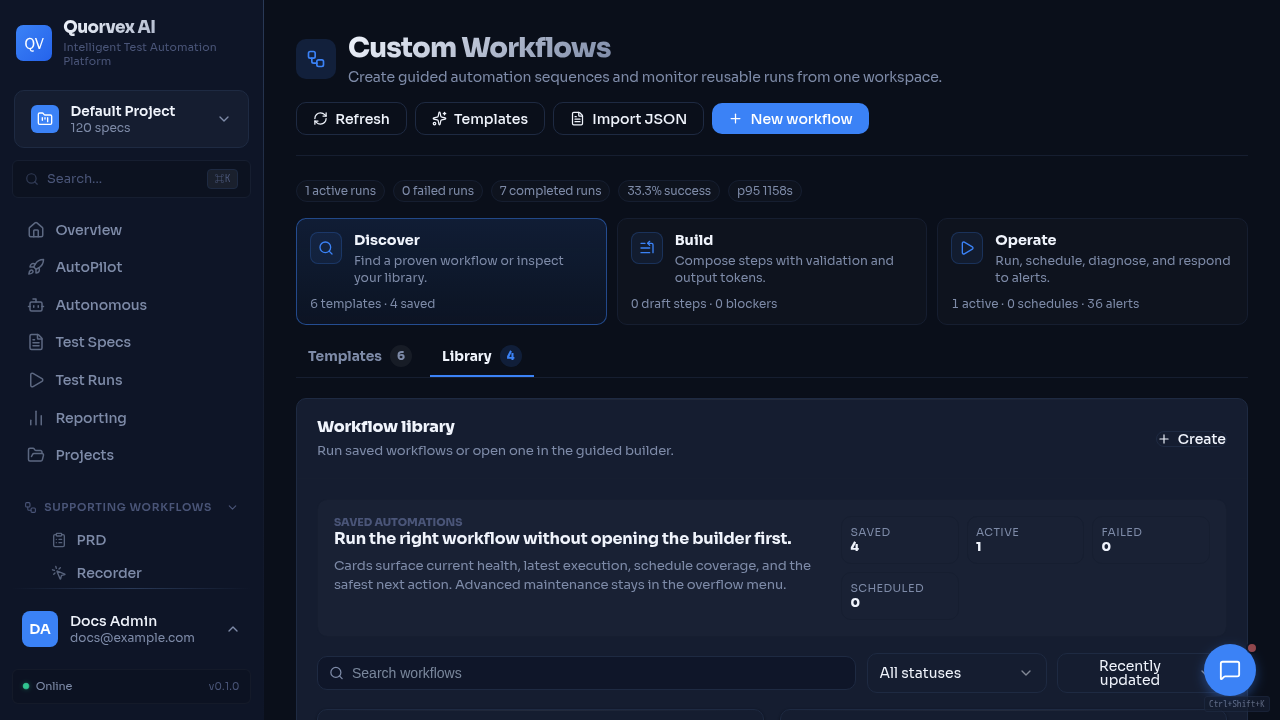
Workflow monitor for extending platform runtime capabilities.
Add new API endpoints, database models, pipeline stages, agents, and frontend pages to Quorvex AI.
Prerequisites
- Quorvex AI development environment set up (
make setupcompleted) - Familiarity with FastAPI (backend), Next.js (frontend), and SQLModel (database)
- Understanding of the pipeline architecture (see Pipeline Modes)
Adding a New API Endpoint
Step 1: Create a Router Module
Create a new file in orchestrator/api/ following the existing pattern:
import logging
from typing import List, Optional
from fastapi import APIRouter, HTTPException, Query
from pydantic import BaseModel, Field

logger = logging.getLogger(__name__)

router = APIRouter(prefix="/my-feature", tags=["my-feature"])


class MyItemCreate(BaseModel):
    name: str = Field(..., min_length=1)
    description: Optional[str] = None

class MyItemResponse(BaseModel):
    id: int
    name: str
    description: Optional[str]


@router.get("/", response_model=List[MyItemResponse])
async def list_items(project_id: str = Query(...)):
    """List all items for a project."""
    return []

@router.post("/", response_model=MyItemResponse, status_code=201)
async def create_item(body: MyItemCreate, project_id: str = Query(...)):
    """Create a new item."""
    pass
Step 2: Register the Router
Add the import and include the router in orchestrator/api/main.py:
Step 3: Test the Endpoint
Adding a Database Model
Step 1: Define the Model
Add a SQLModel class in orchestrator/api/models_db.py:
class MyItem(SQLModel, table=True):
    __table_args__ = {'extend_existing': True}

    id: Optional[int] = Field(default=None, primary_key=True)
    name: str
    description: Optional[str] = None
    project_id: Optional[str] = Field(default=None, foreign_key="projects.id", index=True)
    created_at: datetime = Field(default_factory=datetime.utcnow)
    updated_at: datetime = Field(default_factory=datetime.utcnow)
Conventions: - Optional[int] with primary_key=True for auto-increment IDs - project_id foreign key for multi-tenant isolation - created_at and updated_at timestamps - __table_args__ = {'extend_existing': True} to allow reimport
Step 2: Generate a Migration
Note
For SQLite (development), tables are created automatically by init_db(). Migrations are only needed for PostgreSQL (production).
Step 3: Use the Model
from sqlmodel import Session, select
from .db import get_session
from .models_db import MyItem

@router.get("/")
async def list_items(project_id: str = Query(...)):
    with get_session() as session:
        items = session.exec(
            select(MyItem).where(MyItem.project_id == project_id)
        ).all()
        return items
Adding a Pipeline Workflow
Step 1: Create the Workflow Module
import os, sys, json, asyncio
from pathlib import Path

sys.path.append(str(Path(__file__).parent.parent.parent))

from orchestrator.load_env import setup_claude_env
setup_claude_env()

from orchestrator.utils.agent_runner import AgentRunner, get_default_timeout


class MyStage:
    async def run(self, input_path: str, run_dir: Path) -> dict:
        runner = AgentRunner(
            agent_name="my-agent",
            timeout_seconds=get_default_timeout("GENERATOR_TIMEOUT_SECONDS"),
            model_tier="standard",
        )

        result_text = ""
        try:
            result_text = await runner.run(f"Process the input at {input_path}")
        except Exception as e:
            if "cancel scope" in str(e).lower():
                pass  # SDK cleanup -- result_text already captured
            else:
                raise

        if not result_text:
            raise RuntimeError("Stage produced no output")

        return {"success": True, "output": result_text}


if __name__ == "__main__":
    input_path = sys.argv[1]
    run_dir = Path(sys.argv[2]) if len(sys.argv) > 2 else Path(".")
    result = asyncio.run(MyStage().run(input_path, run_dir))
    print(json.dumps(result))
Warning
Always call setup_claude_env() before using the Agent SDK. Declare result_text outside the try block to survive cancel scope errors. Move parsing after the except block.
Step 2: Invoke from CLI
Add the stage to orchestrator/cli.py using run_command():
result = run_command(
    f"-u -m orchestrator.workflows.my_stage '{input_path}' '{run_dir}'",
    stream_output=True
)
Adding a New Agent
Step 1: Create the Agent Definition
---
name: my-agent
description: Description of what this agent does
tools: Glob, Grep, Read, mcp__playwright-test__browser_snapshot, mcp__playwright-test__browser_navigate
model: sonnet
---

You are an expert at [domain]. Your task is to [objective].

## Instructions
1. Read the input provided in the prompt
2. Use the browser tools to explore the application
3. Generate structured output

## Output Format
Return results as a JSON code block.
Step 2: Parse Agent Output
from orchestrator.utils.json_utils import extract_json_from_markdown

result = extract_json_from_markdown(agent_output)
Adding a Frontend Page
Use the focused Adding a Dashboard Feature guide for dashboard pages. It covers route placement, fetchWithAuth, project context, shared loading and empty states, sidebar navigation, command palette entries, and documentation updates.
Development Checklist
When adding a new feature:
- [ ] Backend router in
orchestrator/api/ - [ ] Router registered in
orchestrator/api/main.py - [ ] Database model in
orchestrator/api/models_db.py(if needed) - [ ] Migration with
make db-migrate M="description" - [ ] Frontend page in
web/src/app/(dashboard)/ - [ ] Sidebar and command palette navigation updated
- [ ] CLI argument in
orchestrator/cli.py(if applicable) - [ ] Agent definition in
.claude/agents/(if applicable) - [ ] API, dashboard, environment, or architecture docs updated when public behavior changes
- [ ] Tested with
make devat http://localhost:3000
Verification
Confirm the extension works:
make devstarts without errors- New endpoint appears in Swagger UI at
/docs - Frontend page loads and fetches data
- Database migration applies cleanly:
make db-upgrade make lintandmake testpass
Related Guides
- Contributing -- contribution workflow and PR process
- Pipeline Modes -- understand pipeline architecture
- Adding a Backend Runtime Capability -- backend feature workflow
- Adding a Dashboard Feature -- frontend feature workflow
- API Router and Service Map -- backend ownership map
- Custom Workflow Contract -- workflow step contract
- Getting Started -- development setup