Mobile Testing with Appium MCP
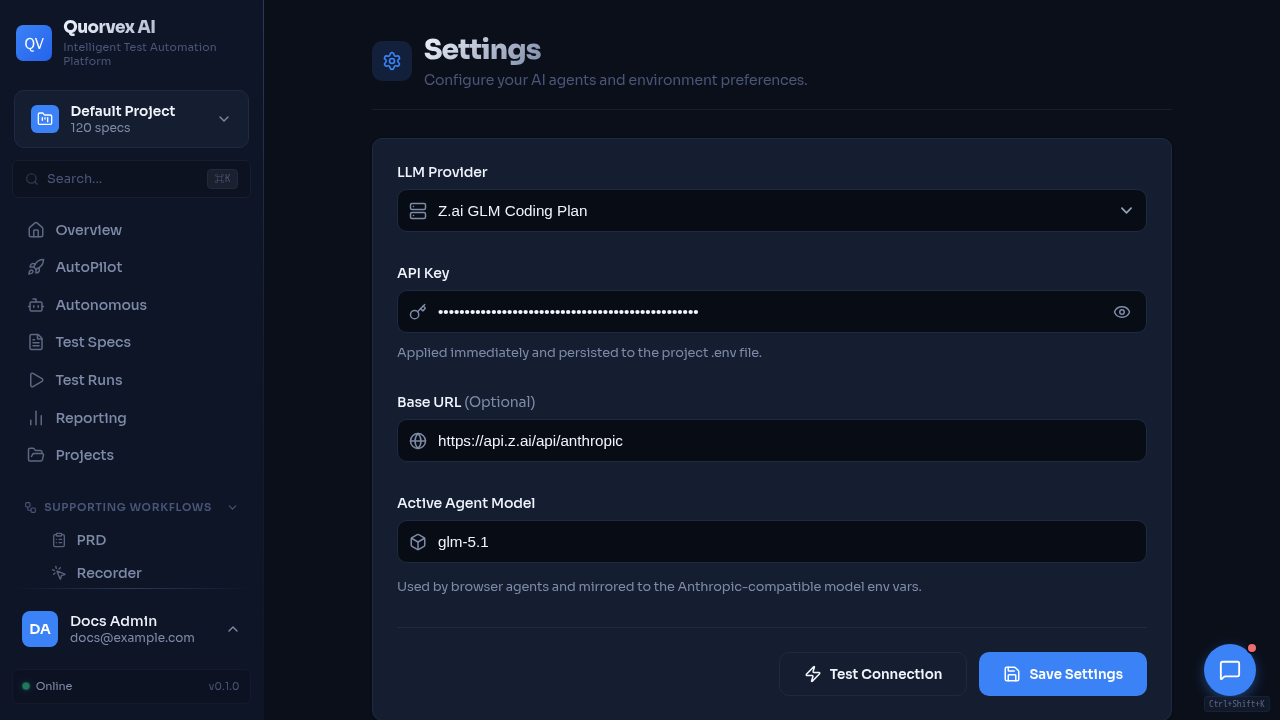
Settings dashboard showing platform configuration and mobile testing health context.
Quorvex can run mobile smoke tests through Appium and exposes Appium MCP for AI-assisted mobile automation.
Local iPhone Requirements
For real iPhone execution on macOS, install and select full Xcode:
sudo xcode-select -s /Applications/Xcode.app/Contents/Developer
xcodebuild -version
xcrun xctrace list devices
Connect and trust the iPhone, then confirm it is visible:
Set WebDriverAgent signing values:
export IOS_TEAM_ID=YOUR_APPLE_TEAM_ID
export IOS_BUNDLE_ID_PREFIX=com.yourcompany.quorvex
export IOS_UDID=optional-device-udid
Start Appium:
Run the Built-in Safari Smoke
python orchestrator/cli.py specs/mobile/iphone-safari-smoke.md \
  --target mobile \
  --platform ios \
  --appium-server-url http://127.0.0.1:4723
The run writes:
mobile_preflight.jsonappium-capabilities.jsonmobile_execution.log- generated JavaScript under
tests/mobile/
Capabilities
You can provide a capabilities file:
{
  "ios": {
    "platformName": "iOS",
    "browserName": "Safari",
    "appium:automationName": "XCUITest",
    "appium:udid": "00008130-...",
    "appium:platformVersion": "17.5"
  }
}
Run with: